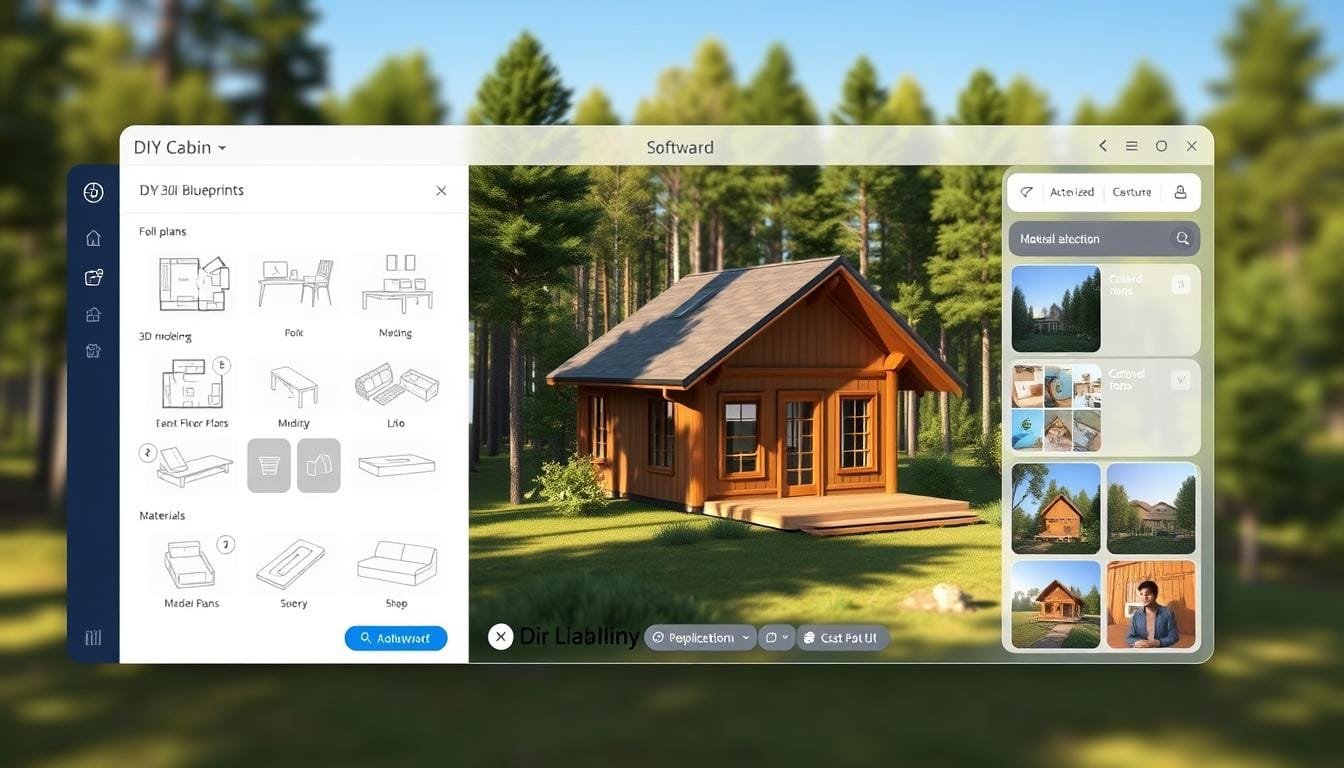

Have you ever dreamed of designing your own rustic retreat? The world of do-it-yourself cabin building is more accessible than ever. Powerful design tools can turn your vision into detailed, buildable plans.
Modern applications have revolutionized how people approach these projects. Homeowners and enthusiasts can now create professional-grade layouts. This technology gives you complete creative control and can save thousands of dollars.
This guide will help you find the perfect program for your needs. We cover everything from beginner-friendly platforms to advanced 3D modeling tools. You will discover key features to prioritize and insights from real users.
Whether you’re planning a small weekend getaway or a full-time family home, there is a solution for you. Let’s explore the top options to bring your dream house to life.
Understanding the Benefits of Cabin Blueprint Software
Imagine being able to walk through your future woodland retreat before a single board is cut. Modern planning tools transform abstract ideas into tangible spaces you can explore virtually. This technology revolutionizes how people approach creating their ideal getaway.
Enhancing Your Design Process
These applications streamline your entire planning workflow. You can experiment with multiple layouts and material choices without commitment. This digital approach saves significant time and prevents costly construction errors.
The 3D visualization capabilities are particularly powerful. They help you understand exactly how your space will look and feel. Unlimited digital revisions give you confidence to perfect every detail of your project.
Bringing Your Cabin Vision to Life
Even without formal training, these tools empower you to create professional-quality cabin blueprints. The software helps communicate your vision clearly to builders and suppliers. Everyone stays aligned before construction begins.
Material calculations and cost estimates become more accurate than traditional methods. The entire experience deepens your understanding of construction principles. You become more knowledgeable throughout the building journey.
Key Features to Look for in Design Software
When evaluating different design solutions, certain functionalities prove essential for bringing your vision to reality. The right combination of tools can transform a complex project into an enjoyable creative experience.
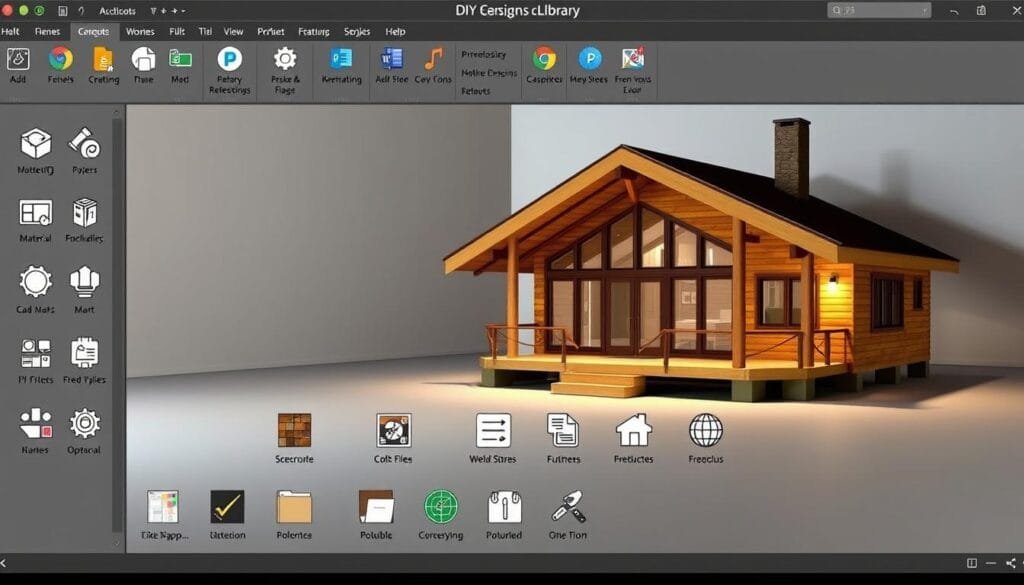
Extensive Libraries of Furniture and Materials
An extensive library of pre-made items dramatically reduces planning time. You can visualize realistic interiors without modeling every object from scratch. This feature allows for quick experimentation with different styles.
Access to diverse materials enables you to test various aesthetics for your house. From wood finishes to roofing options, having these resources at hand makes the design process more efficient. The ability to mix and match different elements helps create cohesive layouts.
User-Friendly Interfaces and 3D Visualization
An intuitive interface makes the difference between frustration and enjoyment. Clear navigation and straightforward tools help beginners feel confident from the start. This approachability is crucial for DIY enthusiasts.
3D visualization capabilities let you virtually walk through your future home. You can experience spaces from different angles and understand how light flows through rooms. This immersive feature provides valuable insights before construction begins.
High-quality rendering creates photorealistic images of your design. These visuals are perfect for sharing plans with family or professionals. The combination of user-friendly tools and powerful visualization creates a complete design experience.
Comparing Top Tools: SketchUp, Coohom, and More
Each design application brings unique advantages to the table, from professional-grade precision to beginner-friendly simplicity. The right choice depends on your skill level and project requirements.
Insight into SketchUp’s 3D Modeling Capabilities
SketchUp has been the industry standard for tiny homes design for decades. Its powerful modeling tools allow detailed construction planning.
However, this platform demands significant learning time. Professionals often spend 40-50 hours creating plans for a single small house.
The workflow involves constant switching between modeling and layout programs. Every change requires manual updates across plan pages.
Coohom and Sweet Home 3D: User Experiences
Coohom offers a more accessible alternative with intuitive interfaces. Its extensive furniture libraries simplify interior design visualization.
Sweet Home 3D provides solid home design capabilities at no cost. This open-source option works well for personal projects.
Both platforms deliver quality 3D visualization without SketchUp’s steep learning curve. They’re excellent choices for DIY enthusiasts.
Navigating the Design Process for DIY Cabin Projects
Transforming your cabin ideas into workable designs begins with careful planning and organization. Before opening any application, sketch your basic concepts on paper. This helps clarify room relationships and spatial needs.
Step-by-Step Layout Customization
Begin your digital work by choosing between a blank canvas or pre-made template. Starting from scratch offers complete freedom for custom projects. Templates work well when you want a quick foundation.
Establish your house footprint first. Then divide the interior space by adding walls to create functional rooms. Most tools like Southland’s DesignWorks™ let you easily move walls with drag-and-drop interfaces.
Place windows and doors strategically to maximize natural light and views. Use furniture placement features to test room sizes. This prevents creating spaces that feel cramped in reality.
Tools like Coohom enable creating detailed floor plans that suit individual needs. You can experiment with multiple layout variations before committing to a final plan. Explore free home design tools to find what works for your project.
Practical Tips for Using Design Software Effectively
Getting the most from your design application requires smart strategies. These approaches help both beginners and experienced users create better plans faster.
Start by exploring the built-in library features. These collections of pre-made furniture and materials save hours compared to modeling everything manually.
Utilizing Built-in Libraries and Tutorials
Most platforms offer extensive video tutorials. These structured lessons reveal features you might otherwise overlook. Even professional designers regularly consult learning materials.
Begin with a free trial when available. This lets you test if the tool feels intuitive before committing. Tools like Sweet Home 3D offer completely free options.
Experiment freely with different layouts and colors. Digital design costs nothing to change. Some discoveries happen through playful exploration.
| Resource Type | Benefit | Time Saved |
|---|---|---|
| Pre-made Furniture Library | Instant room visualization | 2-3 hours per room |
| Video Tutorials | Faster feature mastery | 5-10 hours learning |
| User Communities | Problem-solving help | 1-2 hours per issue |
Focus on mastering one tool at a time. Build confidence through small successes before tackling complex challenges. Save work frequently and create multiple versions.
Active user communities provide inspiration and answers. You can see how others solved similar design challenges for their house projects.
Maximizing Efficiency with the Best Cabin Blueprint Software
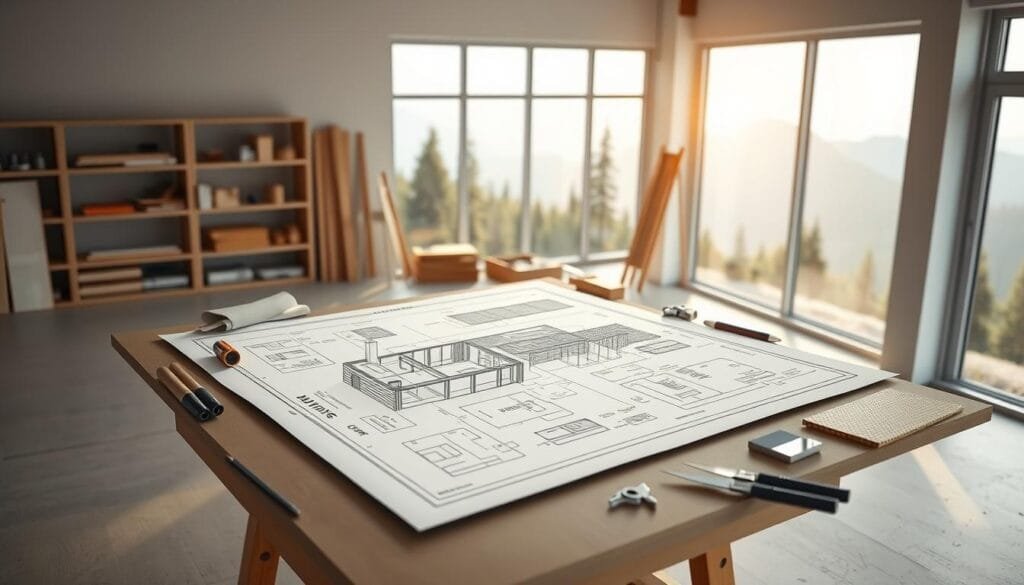
Creating a detailed 3D model is just the first step. The real test comes when you need to turn that virtual design into a set of construction-ready plans that a builder can follow.
This is where many DIY designers hit a wall. The process requires precise technical drawings.
Streamlining the Transition from 3D Models to Construction Plans
Some platforms, like SketchUp, demand a manual approach. You must switch between programs to draft each page, add dimensions, and update every change.
This can be incredibly time-consuming. Other tools automate this critical step.
Look for features that automatically generate elevation views. These show exterior walls with accurate doors windows placements and roof pitches.
Your interior plans must clearly show room dimensions and fixture locations. This clarity prevents guesswork during construction.
Detailed roof plans and framing diagrams are essential for professionals like contractors. They need to understand exactly how the house will be built.
Some specialized tools even let you submit completed blueprints directly for material quotes. This streamlines the journey from design to building your dream home.
Wrapping Up Your Cabin Blueprint Journey
Your vision for a personal retreat can now become reality through intuitive design applications. The right choice depends on your skill level, project complexity, and specific goals.
Whether planning a small home or full-sized house, there’s a perfect option available. Free versions work well for beginners, while professional tools offer advanced features.
Take advantage of free trial periods to test different options. Hands-on experience with the interface helps determine which tool feels right for your workflow.
Modern applications empower DIYers to create quality floor plans without hiring expensive professionals. The time invested in learning pays dividends throughout the entire building process.
Don’t hesitate to create multiple versions of your designs. Great layouts often evolve through experimentation with different arrangements.
Comprehensive tools let you plan everything from structural elements to interior finishes. You can even design outdoor spaces that complement your house.
Join online communities of fellow builders to share designs and get feedback. This support network provides valuable inspiration and practical advice.
With the right tools and clear vision, you have everything needed to start designing today. Your dream retreat awaits—transform it into buildable plans that reflect your unique style.